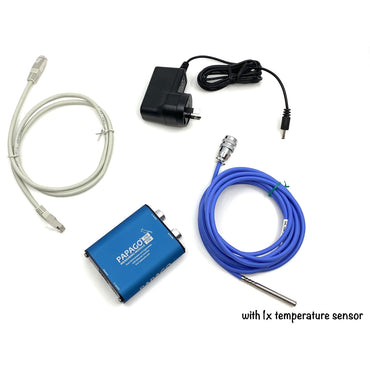
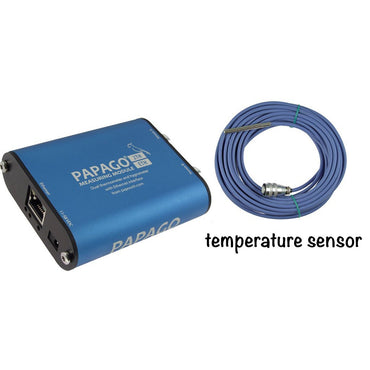
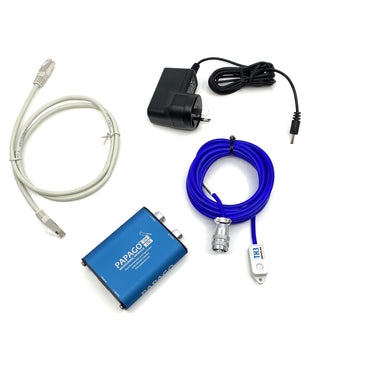
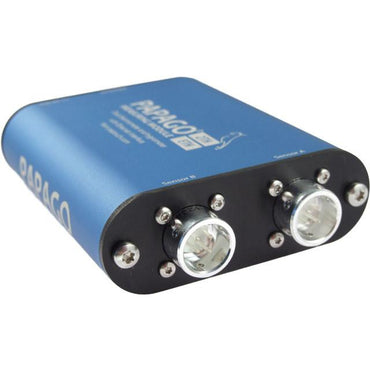
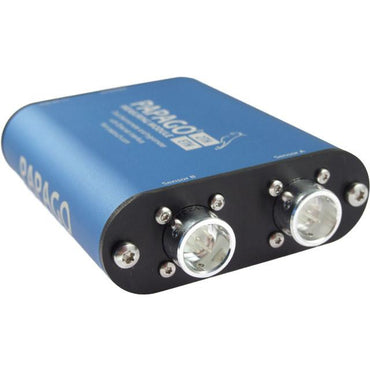
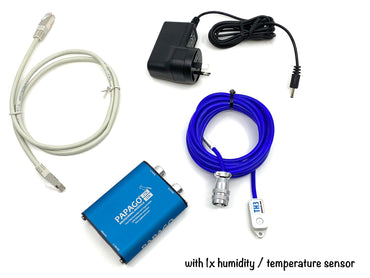
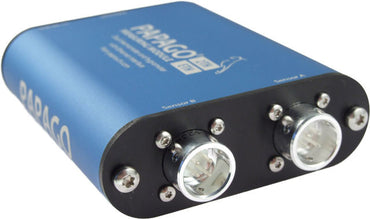
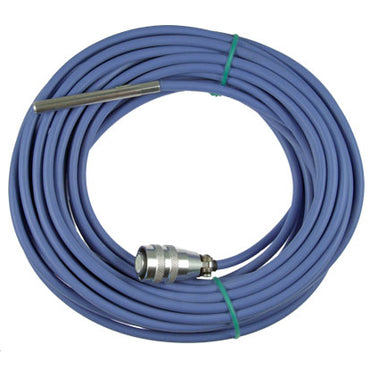
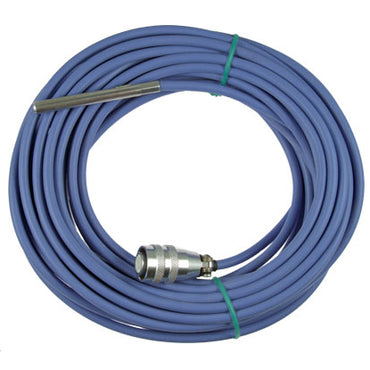
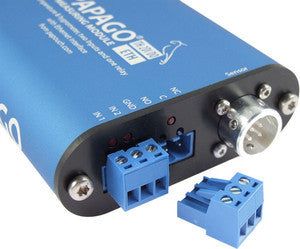
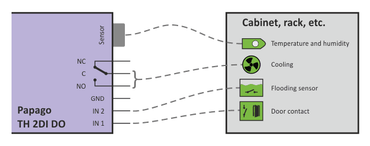
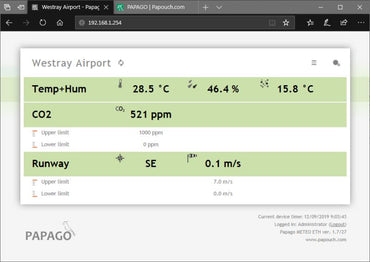
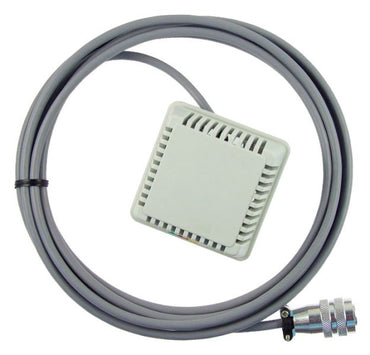
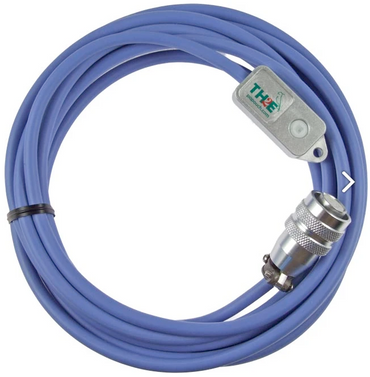
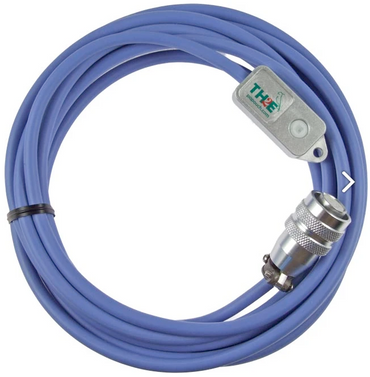
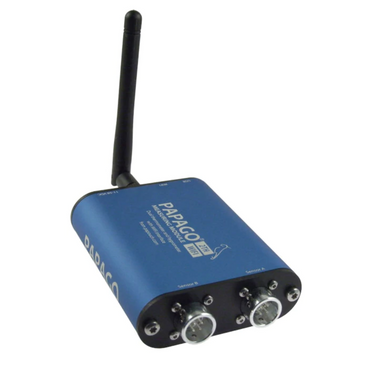
1 temperature sensor / thermometer on PoE capable networked Ethernet monitoring unit, dual sensor ports, with email alerts, web interface (model: Papago-2TH-Eth-1TS)
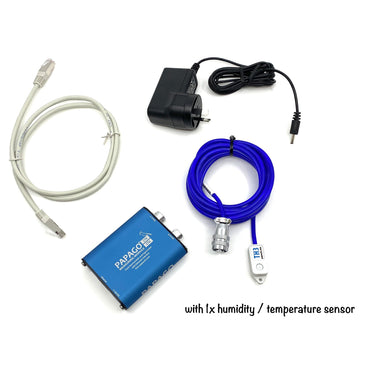
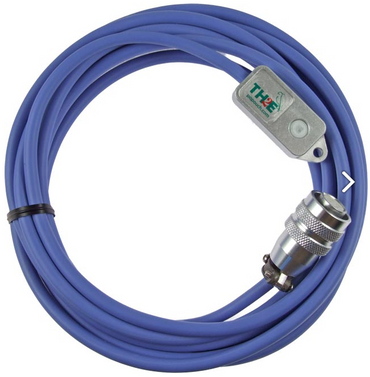
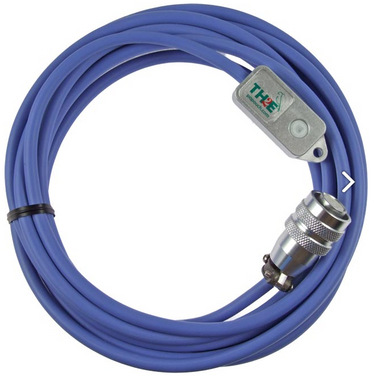
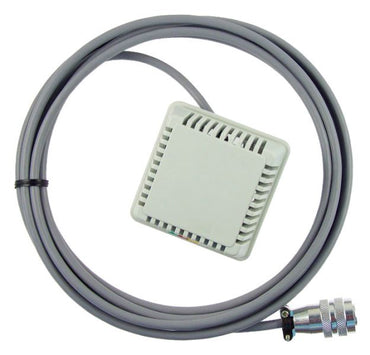
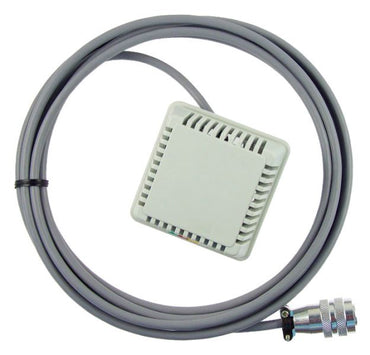
1 humidity and temperature sensor thermometer on PoE capable networked Ethernet monitoring unit, dual sensor ports, with email alerts, web interface (model: Papago-2TH-Eth-1THD)
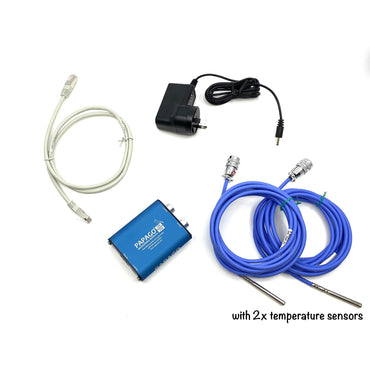
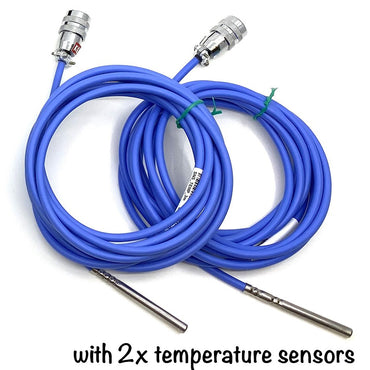
2 temperature sensors / thermometers on PoE capable networked Ethernet monitoring unit, dual sensor ports, with email alerts, web interface (model: Papago-2TH-Eth-2TS)
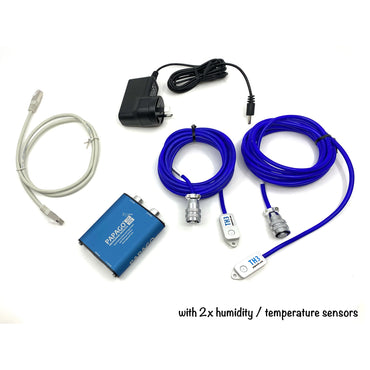
2 humidity and temperature sensors / thermometers on PoE capable networked Ethernet monitoring unit, dual sensor ports, with email alerts, web interface. Model: Papago-2TH-Eth-2THD
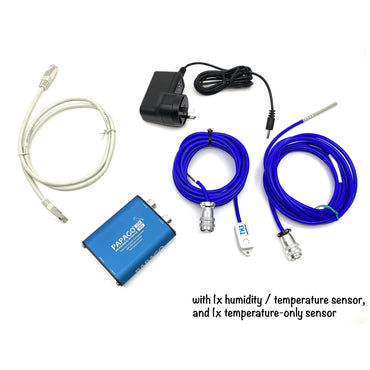
1 humidity and temperature sensor plus 1 temperature only thermometers on PoE capable networked Ethernet monitoring unit, dual sensor ports, with email alerts, web interface (model: Papago-2TH-Eth-TS-THD)
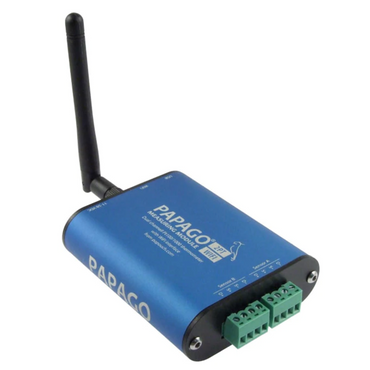
Papago with PT100 PT1000 terminal block connectors over Wi-Fi 2PT-WIFI 2-Channel environmental monitoring solution, with PT-100 PT-1000 connections, over Wi-Fi
Papago with PT100 PT1000 terminal block connectors over ETHERNET 2PT-ETH 2-Channel environmental monitoring solution, with PT-100 PT-1000 connections, over Ethernet