
Featured collection
NETWORKED TEMPERATURE thermometers
31 products
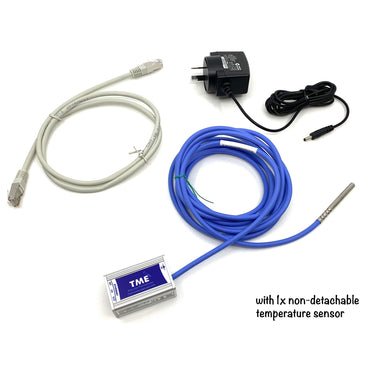
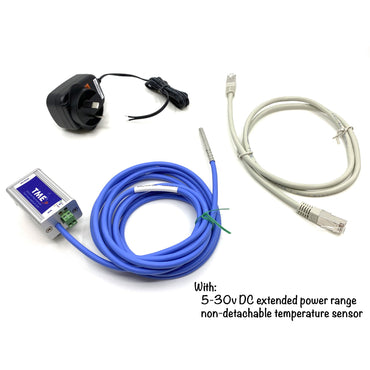
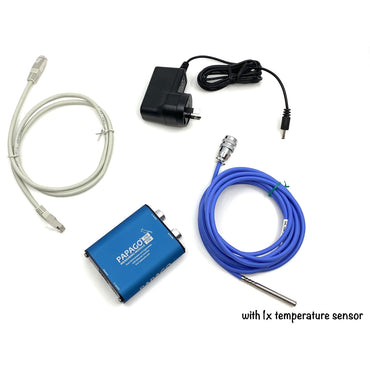
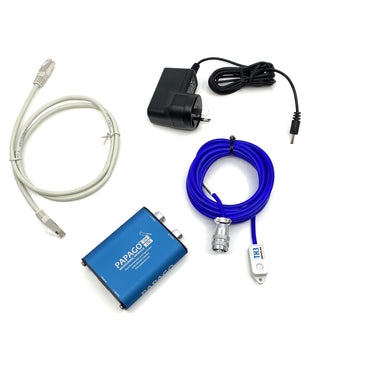
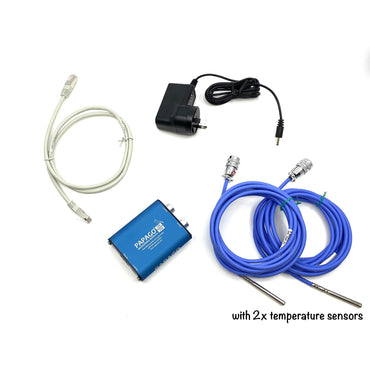
8Wired presents - Ethernet Network Thermometers (IP network thermometers), our perfect tool for temperature monitoring in server rooms, communication cupboards. Web interface, email alerts, graphic UI. Also great for factories, warehouses, orchards, laboratories, schools, universities, businesses or many other applications. All units can be used in standalone and closed networks (no internet access required for monitoring temperatures on a LAN).
Why choose 8Wired?
There are several distinctions that make 8Wired the business to choose as your partner for your temperature or humidity monitoring of your server gear, comms room, equipment rooms, or other precious goods:

Our products work easily
Our networked temperature & humidity monitors are quick to setup, so that you can get on with running your business.

Based locally, in Australia
We've been providing temperature and environmental solutions to Aussie companies from Perth Western Australia for over 15 years now.

No internet access required!
Our temperature monitoring products such as the TME and PAPAGO units can be used in closed and standalone environments (without active internet connections), so that your environmental monitoring is kept completely off-grid.

Local staff, local support
Got a problem? Can't work something out? Give us a call or send us an email, and we will help you out. We're Aussie-based, so you get Aussies helping you.
Want some graphing of values?
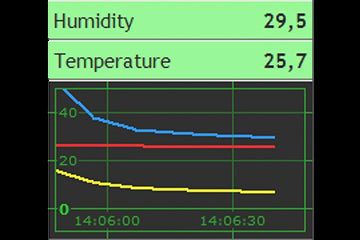
Use the Wix (FREE) edition to graph monitored environment values. (Windows PC required)

3 Year Back to Base Warranty
3 year stress-free warranties. Just contact us to arrange a replacement unit. ADDITIONAL +3 year warranty (6 year total) now available!

FREE Express Shipping over $250
Love FREE shipping right? So spend over $250 and you'll get FREE Express Shipping to anywhere in Oz.

Need a PDF quote? Looking to raise a Purchase Order with us?
Let us know what products you're after, and we'll prepare a PDF quote, ready for raising a P.O.
