Temperature monitoring in server rooms & other environments Read more about the author of the blog ?

Now available: TMEs with DIN rails, DIN mount 12v -> 5v converters, Gnome 232 converter

We’re happy to announce the availability of several products:

  • TMEs with DIN-mount rails (perfect for getting a TME into an industrial environment)
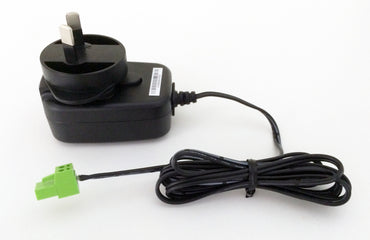
  • DIN-mount power supplies converting from 12v to 5V DC
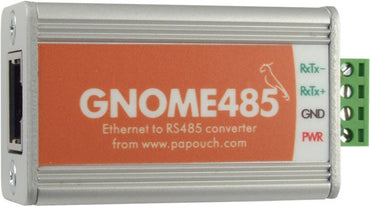
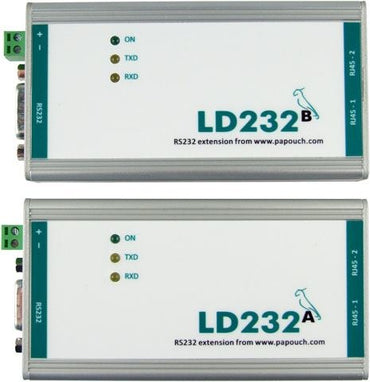
  • The Gnome 232 Serial to Ethernet converter (enables you to connect an RS232 device via Ethernet)

How do I setup a TME or TH2E with the supplied PoE-Adapter?

To setup the TME Ethernet Thermometer, or TH2E Intelligent Sensor with a supplied Power over Ethernet (PoE) adapter, follow these steps, depending on which model adapter you have:
For the black-colour PoE adapter:

  • Ensure the adapter is set to output at ’5 Volts’ (do not run the adapter at any other voltage

TME SNMP MIB files available

The SNMP MIB files for use with TMEs are available in our Downloads section.

Here is an extract from page 41 of the TMEv1.8 manual (also available from our Downloads section):

MIB table
Temperature as number

  • Name: int_temperature
  • Object ID: 1.3.6.1.4.1.18248.1.1.1
  • GET address

ThermoSpider software Quick-start guide

Follow these steps to get started quickly with ThermoSpider

  • Install ThermoSpider (instructions are included when you purchase ThermoSpider)
  • Register ThermoSpider using your name, email address and license code (supplied after purchasing ThermoSpider)
  • Add at least 1 Ethernet Thermometer (TME) to the probe

Data Logging Software – Special Discount offer for new release “ThermoSpider”

To celebrate the release of our latest version (v1.4) of our Data Logging software (called “ThermoSpider”) to suit our Ethernet Temperature Thermometers, we’re offering a AU$10 discount on the ThermoSpider Data Logging software right now.

Improvements in this release:

  • Data graphing features now including continuous temperature history graph web export (e.g. so

TH2E – Temperature & Humidity units – SNMP / ModBus options vs Event Logging memory

On the TH2E (temperature & humidity sensing units, over Ethernet) customers have a choice of two different factory options:

  • Temperature / Humidity / Alerts / Event memory + logging

OR

  • Temperature / Humidity / Alerts / SNMP / ModBus

By default, the TH2E units despatched to customers are the… Continue reading...

Set up in < 5 minutes. Email to SMS services, like Utbox.net

It’s not often you can set up a device in less than 5 minutes. But with our Ethernet Thermometers you can. With a variety of protocols supported, you’re spoilt for choice.

  • First chose your IP address
  • Next configure your Email settings.
  • For most people, that’s it!

If you want, you… Continue reading...

TH2E Temperature Humidity sensing Ethernet units – now available!

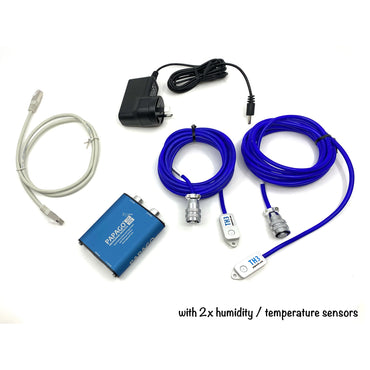
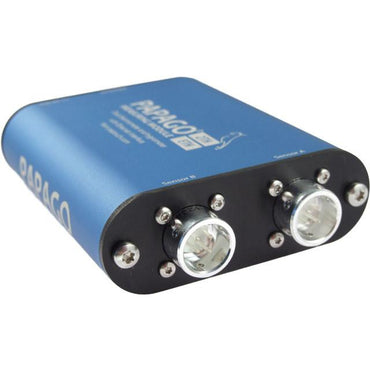
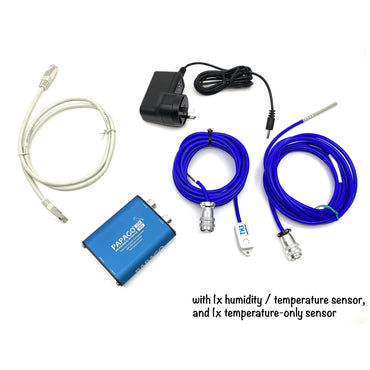
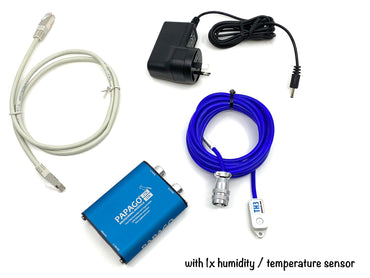
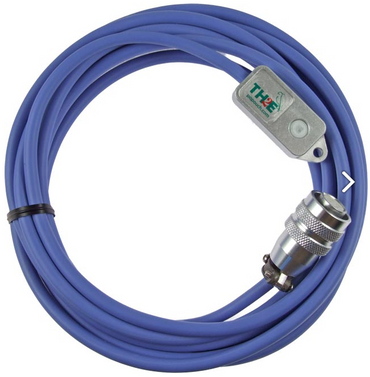
The Temperature and Humidity (+ Dew-point) TH2E models are now in stock, and ready for next-day dispatch. Perfect for monitoring server room environments, cool stores, factories, warehouses, offices etc. Complete with email alerts (inc. email to SMS capability), web-interface etc.

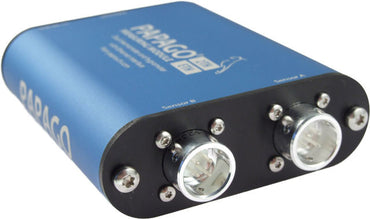
We stock the fully-featured TH2E model from Papouch. The model has these features:

    Updated Downloads – TH2E product manual (Temperature Humidity Intelligent Ethernet based sensor)

    The TH2E product manual (Ethernet-based Temperature Humidity Intelligent Sensor) is now available for download. See our Downloads page for more information… Continue reading...

    Updated online store now LIVE

    Our online store has had a face-lift… Have you visited it recently? If not, check it out:

    Online Store (Equals Greater Than)

    Synergy Smart Power Meter Email EM1000 display register explanation

    How do I tell how much power I’ve exported to the grid with my smart power meter Email EM1000?

    For those customers with a Email EM1000 single phase smart power meter (used by Synergy in Western Australia, and other utility companies elsewhere in Australia), here are the break-downs of what each register or display… Continue reading...

    Data Logging sotftware – ThermoSpider (thermometer temperature graphing data logging software)

    ThermoSpider is our Ethernet Temperature Thermometer Data Logging and graphing application, available NOW for Windows PC, Apple Macintosh, and Linux.

    Purchase a copy of ThermoSpider (Mac/PC/Linux) direct from our online store now.

    Latest Downloads

    Select one of the latest downloads from the list below:

    Introducing the ThermoSpider Data Logging and Graphing application. Graph your TME Ethernet Thermometer over time, and export your thermometer data to a text file automatically:

    Products

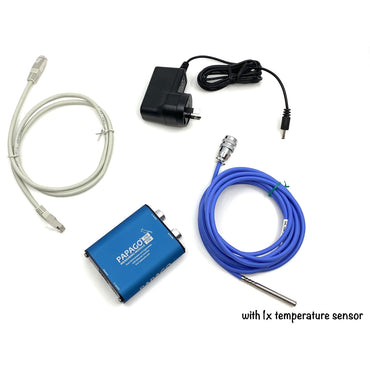
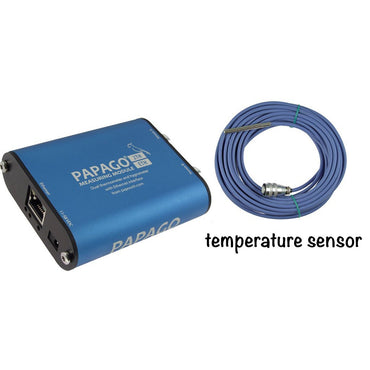
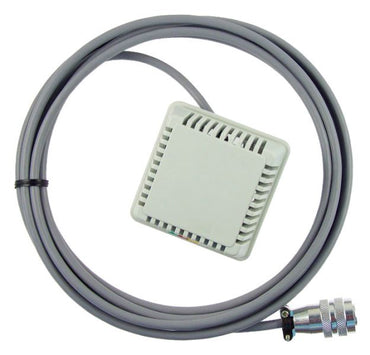
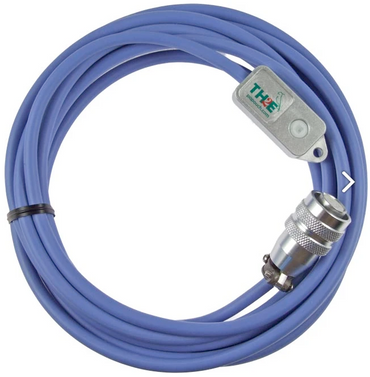
    These are our current products (including product photographs). All products are available direct through our online store here.

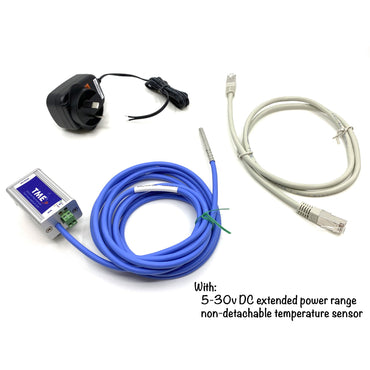
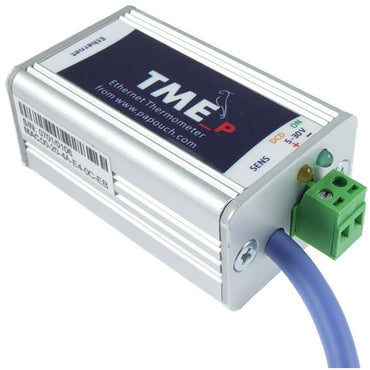
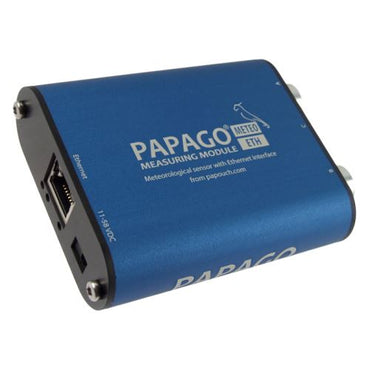
    Our TME Ethernet Thermometer is our flag-ship + most popular/versatile product. New …

    Read more…

    What services can an Ethernet Thermometer offer?

    The Ethernet Thermometer Revolution!

    A thermometer with Ethernet data transmission + monitor. Simply plug in the device, perform a once-off configuration, and you’re ready to use the device to monitor temperatures.

    TME Services + Web display

    Supplied complete (ready to… Continue reading...

    Web Display in Celsius or Fahrenheit, All Common Web-browsers + Smart phones

    (Screen shots of Thermometer interface below)

    With our TME Ethernet Thermometers, you have a choice of a current temperature display in ‘Celsius’ or ‘Fahrenheit’ degrees. You can view the current temperature in a straight Decimal view, or a ‘mercurial’ (traditional thermometer) graphical view.

    The TME’s temperature readout is designed to be… Continue reading...

    Common responses from customers that have purchased our Ethernet Thermometer products

    • “I can’t believe how compact the Ethernet Thermometer is, and how easy it was to setup. Thank you!”
    • “So much cheaper / more affordable than other Ethernet Thermometers on the market.”
    • “The best few hundred dollars that I’ve spent in my server room disaster prevention plan. It’s already ‘saved my bacon’

    Easy to configure thermometers

    (Screen shots of Thermometer settings interface below)

    Our Ethernet Temperature Thermometers are easy to setup and configure. And with a variety of protocols supports, you’re spoilt for choice. We recommend using an email to SMS service for example, so that you can get an SMS if your server room (or other location)… Continue reading...

    How much do your Ethernet Thermometers cost? – Pricing update – March 2009

    Our temperature thermometer products come in a range of models, to suit different customer needs.

    Here is a quick summary of pricing of our products, ready to buy:

    • Ethernet Temperature Thermometer with full alerting and built-in web engine (Model – TME): AU$350
    • Power over Ethernet Adapter + Ethernet Temperature Thermometer (Model
    Our online store URL

    This is the link to our online store URL:

    http://store.kagi.com/cgi-bin/store.cgi?storeID=6FEWW_LIVE/

    What SMTP server should I use with my Ethernet Thermometer?

    For sending email alerts, you need to specify an SMTP (Mail) server within your TME’s settings. If you have an internal mail server on your network, simply use your server’s IP address.

    If you use an external Internet Service Provider (or use an External Mail server), simply use the IP address of your Internet… Continue reading...

    Which model thermometer should I use?

    “Ethernet (Normally powered? PoE?) USB? RS232? Please help me decide!”

    Most Networks – go for the standard TME

    As a general guide, our Ethernet Thermometers (two models: with regulated Power-supply, or with a Power-Over-Ethernet adapter), are our most comprehensive thermometers, complete with a full host of alerting options (including Email, Email-to-SMS (… Continue reading...
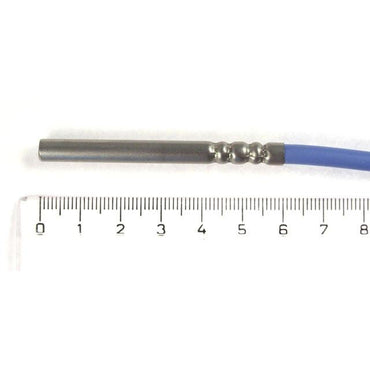
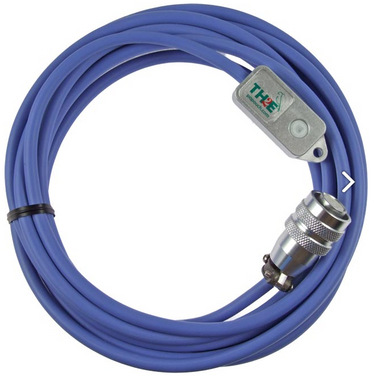
    Photo Gallery

    Photo Gallery of our products…

    © 2009 Equals Greater Than => is powered by WordPress
    FireStats icon Powered by FireStats